case study · 1 min read
Blueprint 101 — system design, drawn by hand
- Timeline
- 2026 · ongoing
- Role
- Solo — content, diagrams & engineering
- Stack
- Python
- JavaScript
- Markdown
- Excalidraw
Some overview
One place to prepare for system design
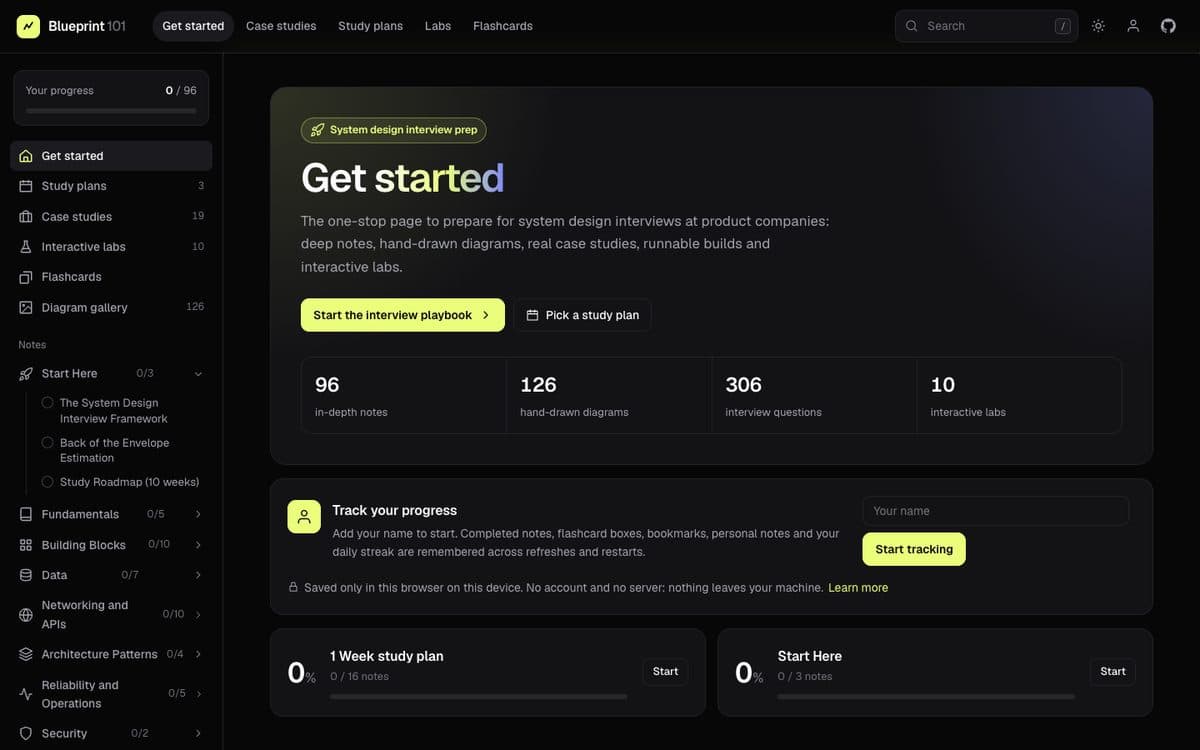
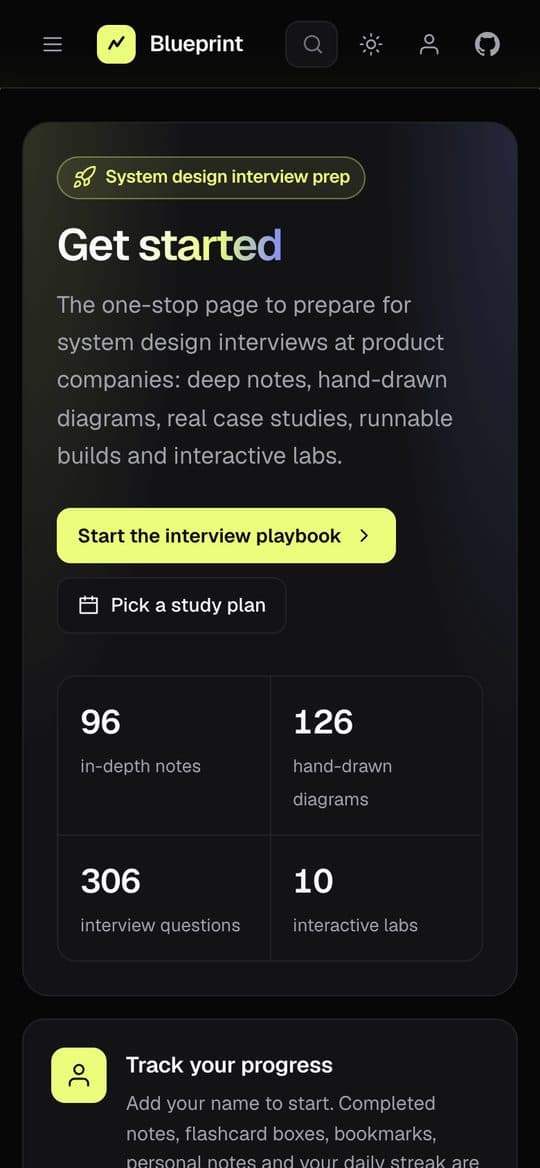
System design prep is scattered across blog posts, videos and a few famous repos. Blueprint 101 pulls it into one structured path: 96 in-depth notes, 126 hand-drawn diagrams, 306 interview questions and 10 interactive labs — from fundamentals all the way to consensus.
Read the concept, see it drawn, then break it in a lab.
What is inside
Notes, diagrams, case studies, builds
- Notes from DNS and caching to sharding, sagas and consensus — each ends with interview questions and answers
- Hand-drawn (Excalidraw-style) diagrams, every one with an editable
.excalidrawsource - Case studies: URL shortener, Twitter, WhatsApp, YouTube, Uber, payments, web crawler and more
- Runnable builds in Python: LRU cache, rate limiters, consistent hash ring, Bloom filter, LSM key-value store, circuit breaker
Under the hood
An interactive reader with no build step
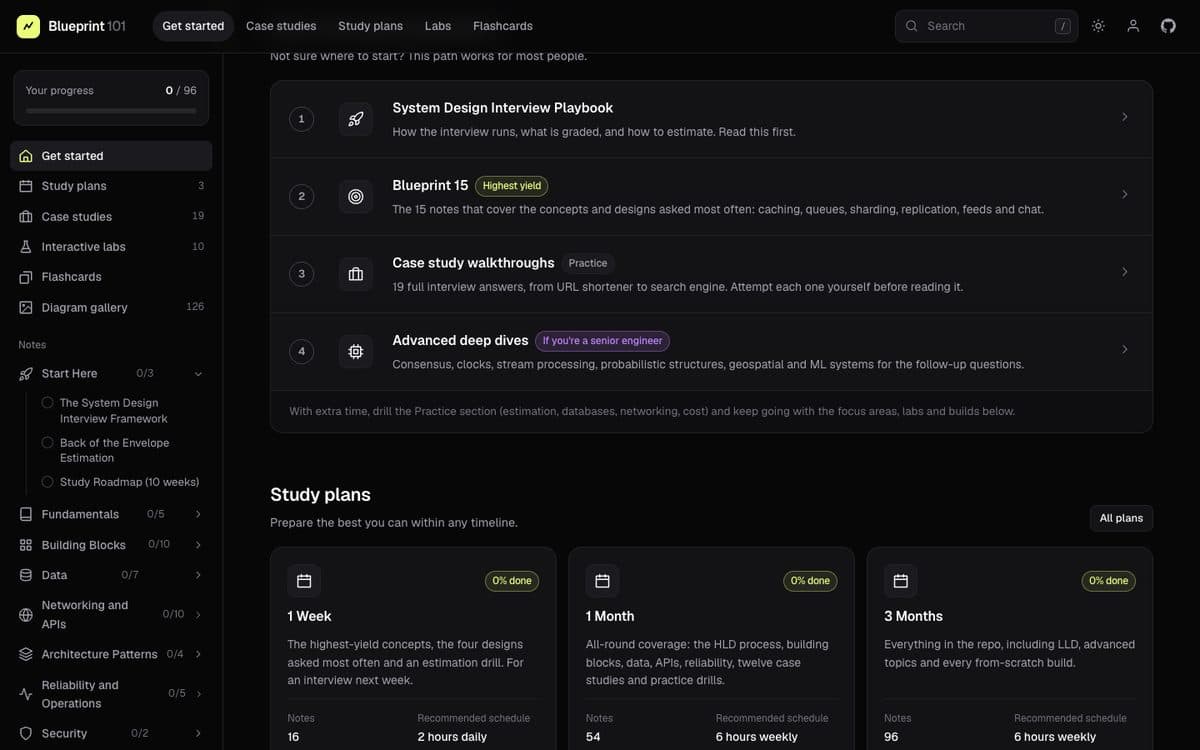
The notes compile into a static reader with search, study plans, spaced-repetition flashcards generated from every Q&A, a diagram gallery and labs (capacity estimator, load balancer, hash ring, rate limiter, cache eviction, quorum and more). Progress lives in the browser — no account, no server. Small Python tools render the diagrams, sync the builds into the notes and lint every note.
Pausing to reflect
Why build it this way
Writing every note, drawing every diagram and coding every build by hand is the best way I know to actually understand a system — the repo is as much my study log as it is a resource.